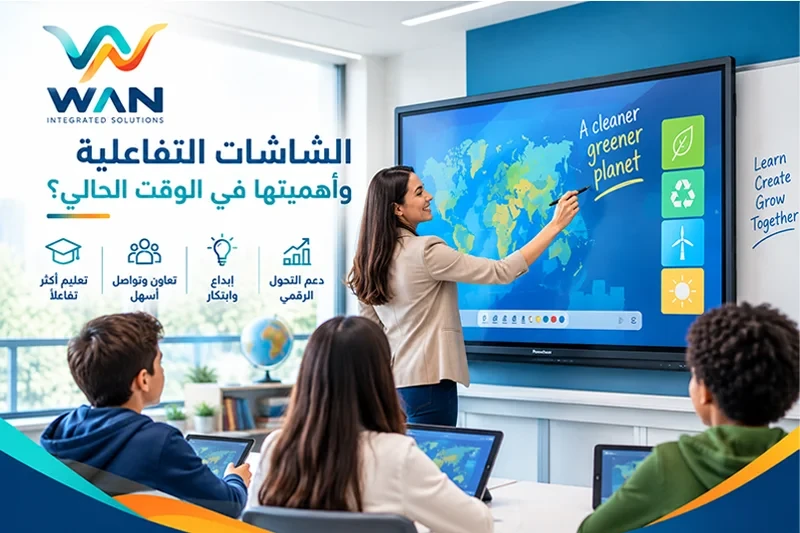
Best Interactive Display for Schools | A Complete Buying Guide
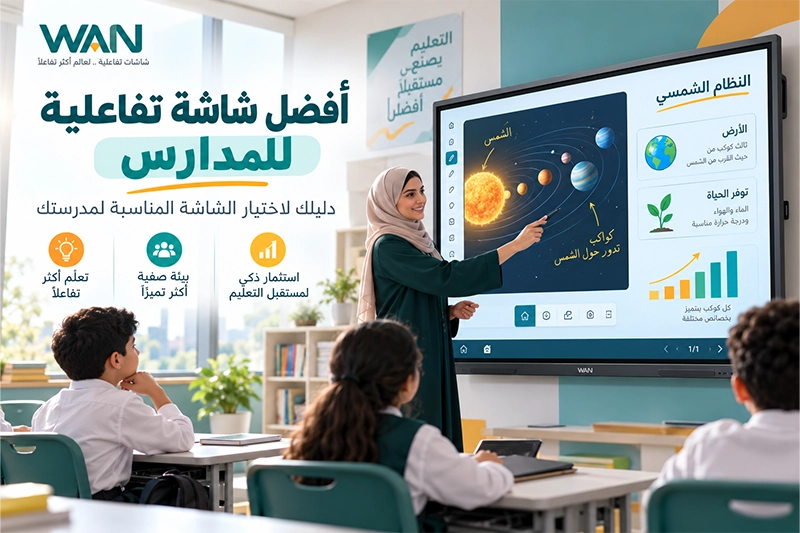
Interactive displays have become an important part of modern classrooms and smart learning environments. They combine digital content, touch interaction, handwriting, multimedia, collaboration tools, and educational applications within one classroom solution.
However, schools planning to invest in interactive technology often face an important question:
What is the best interactive display for schools, and how do you choose the right screen for your classrooms?
The best interactive display is not necessarily the largest or most expensive model. A good educational display should combine durable construction, clear image quality, responsive touch technology, a suitable operating system, powerful educational tools, reliable warranty coverage, and professional after-sales support.
In this guide, WAN Integrated Solutions explains the key factors schools should evaluate before purchasing an interactive display.
What Is an Interactive Display for Schools?
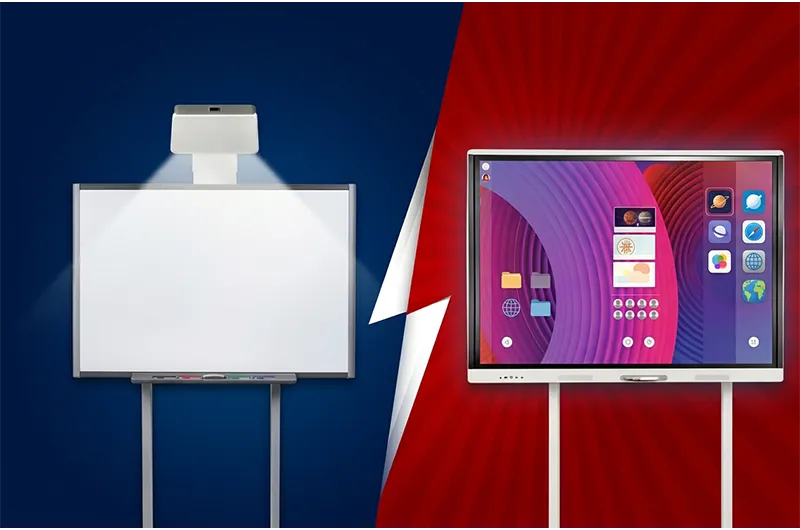
An Interactive Display, also known as an Interactive Flat Panel, is a large digital touchscreen that allows teachers and students to interact directly with educational content.
Depending on the model, teachers can use an interactive display to:
Write and annotate lessons.
Draw diagrams.
Display PowerPoint and PDF files.
Play educational videos.
Use digital whiteboard tools.
Run educational applications.
Share content from computers and other devices.
Display multiple sources of content.
Create collaborative classroom activities.
Explore available sizes and models through the WAN Interactive Displays Collection.
How to Choose the Best Interactive Display for Schools
Schools should evaluate several important factors before purchasing an interactive flat panel.
1. Durability and Build Quality
Classroom use is very different from occasional office use.
An educational display may operate for many hours each day and be used by several teachers and students.
Schools should therefore evaluate:
Display construction.
Protective glass.
Scratch resistance.
Anti-glare properties.
Port quality.
Thermal management.
Suitability for frequent daily use.
Some Hikvision interactive display models include an All-in-One design and tempered safety glass, along with other features that vary by model.
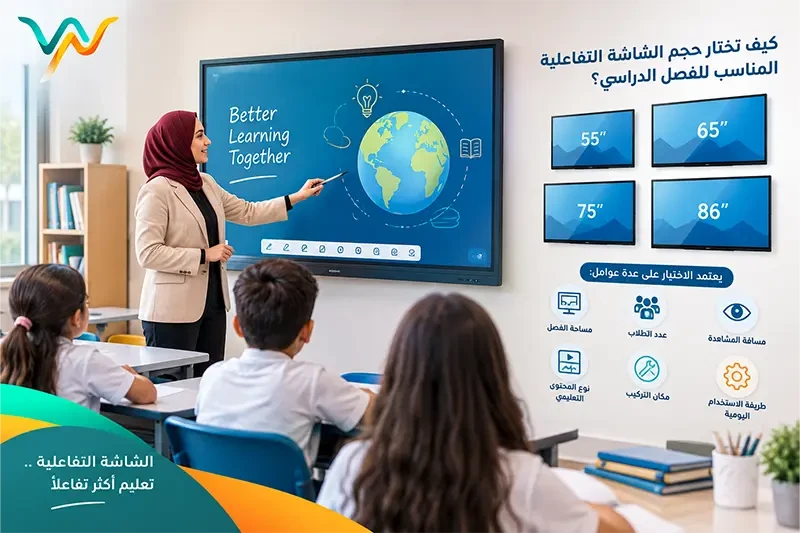
2. Choose the Right Screen Size
Common educational display sizes include:
65 inches.
75 inches.
86 inches.
A 65-inch display can be considered for smaller classrooms.
A 75-inch model offers additional writing and presentation space for medium-sized classrooms.
An 86-inch display may be suitable for larger learning environments where students are positioned farther from the screen.
However, a larger screen is not automatically a better screen.
The appropriate size should reflect classroom dimensions and viewing distance.
3. Display Quality and 4K Resolution
Many modern interactive displays, including selected Hikvision models, support 4K UHD resolution.
High-resolution displays can be valuable when presenting:
Maps.
Scientific diagrams.
Educational images.
Videos.
Charts.
Tables.
Detailed text.
However, 4K resolution does not replace the need for an appropriately sized screen.
Schools should consider both physical screen dimensions and image resolution.
4. Touch and Writing Performance
Writing performance is one of the most important features in educational environments.
Teachers may use the display throughout the school day for explanations, equations, diagrams, annotations, and classroom activities.
Consider:
Touch accuracy.
Response time.
Simultaneous touch points.
Multi-user interaction.
Stylus performance.
Finger input.
Palm rejection where supported.
Ease of writing and erasing.
Why Consider Hikvision Interactive Displays for Schools?
When comparing educational displays, schools should look beyond screen size and resolution.
A strong classroom solution should combine:
Durability + high-quality display + responsive touch + educational operating system + software + warranty + technical support.
This is why selected Hikvision Interactive Displays are worth considering for educational environments.
Build Quality for Educational Use
Depending on the model, Hikvision solutions may include features such as:
Tempered safety glass.
All-in-One design.
Anti-glare characteristics.
Thermal management.
Interactive hardware designed for frequent use.
Exact specifications should always be confirmed for the selected model before purchasing.
WonderOS 4.0: More Than a Touchscreen
One of the important elements of selected Hikvision educational solutions is WonderOS 4.0.
WonderOS helps transform the interactive display from a large touchscreen into a broader teaching and collaboration environment.
Depending on the version and model, features can include:
Digital Whiteboard.
Writing and drawing tools.
Content sharing.
Collaboration tools.
Wireless screen sharing.
File management.
Teaching tools.
Wonder AI capabilities.
This allows teachers to use the display for more than simply showing a PowerPoint presentation or video.
Artificial Intelligence in WonderOS 4.0
WonderOS includes AI-supported tools, with exact capabilities varying by version and supported hardware.
WonderOmi
WonderOmi can provide voice-based interaction with selected screen functions, helping teachers control the display during classroom activities.
AI Identify
AI Identify can assist with recognizing content displayed on the screen and providing related information or actions.
AI Notes
AI Notes can support functions such as speech-to-text, note organization, and intelligent summaries depending on available system features.
Whiteboard 2.0
WonderOS also provides Whiteboard 2.0, which can include tools such as:
Flexible writing space.
Pen and handwriting tools.
Shape handling.
AI-assisted functions.
Content and note saving.
Content sharing.
Educational templates.
QR-based sharing in supported workflows.
This turns the display into an active teaching tool rather than simply a presentation screen.
Android or Windows for Educational Displays?
Schools should select the operating environment based on the applications teachers actually use.
Android
Integrated Android systems can provide fast access to whiteboard tools and everyday classroom applications.
Windows
Windows may be important for schools that use:
Dedicated educational applications.
Microsoft Office.
Laboratory software.
Windows applications.
Design or simulation software.
Android and Windows
Some schools may benefit from combining the two environments.
Android can support everyday classroom tasks, while Windows can be used when full desktop software is required.
Educational Software Matters
The best interactive display for schools should support teaching rather than simply operate as a large touchscreen.
Useful features may include:
Digital Whiteboard.
Handwriting and annotation.
Lesson saving.
PDF support.
Split-screen functionality.
Wireless sharing.
Collaboration tools.
Educational applications.
AI-assisted tools.
Ease of use is especially important because teachers need to access these tools quickly during lessons.
Connectivity and Content Sharing
Schools should review the connectivity options available on each model, including:
HDMI.
USB.
USB-C.
Wi-Fi.
Bluetooth.
Computer connectivity.
Wireless screen sharing.
Exact features vary by model.
Warranty, Maintenance, and After-Sales Support
Warranty and technical support should be considered part of the product rather than an afterthought.
Before purchasing, schools should ask:
How long is the warranty?
What does the warranty cover?
Who provides technical support?
Where will the display be repaired?
Are spare parts available?
How are service requests submitted?
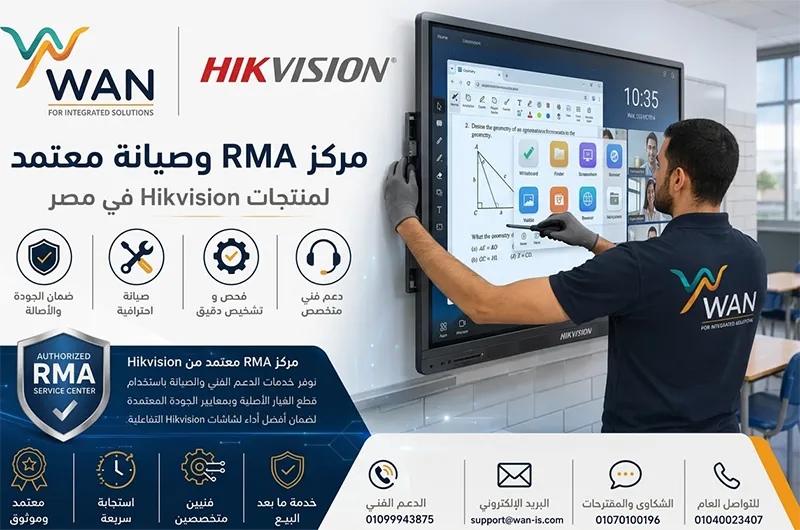
WAN provides technical support and interactive display maintenance services and operates as a Hikvision RMA and service center in Egypt within the applicable service scope and warranty conditions.
This gives schools access to sales, technical support, maintenance, and after-sales service through one supplier.
Interactive Display Buying Checklist for Schools
| Factor | What to Evaluate |
|---|---|
| Durability | Glass and construction suitable for daily use |
| Screen Size | Classroom dimensions and viewing distance |
| Resolution | Suitable image quality, including 4K where appropriate |
| Touch | Fast and accurate multi-touch performance |
| Operating System | Android, Windows, or both |
| Software | Whiteboard and teaching tools |
| AI | Useful AI-assisted functions where available |
| Connectivity | HDMI, USB, Wi-Fi, and other required connections |
| Warranty | Clear warranty conditions |
| Maintenance | Reliable technical service and repair support |
Which Interactive Display Brands Should Schools Consider?
There is no single brand that is best for every school.
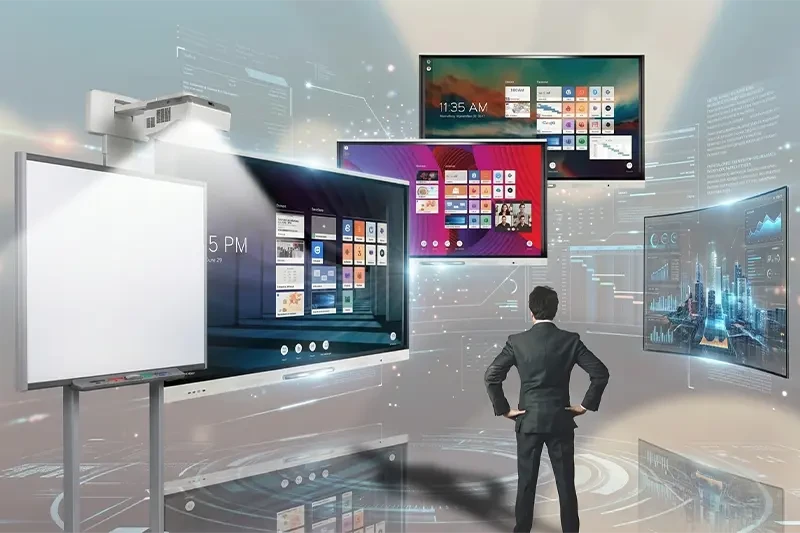
Several manufacturers provide educational interactive displays worth comparing.
Hikvision
Hikvision provides interactive displays in different sizes and specifications, with WonderOS, teaching tools, and AI features available on selected solutions.
Promethean
Promethean is well known in educational technology and provides ActivPanel interactive displays and specialized teaching technologies.
SMART
SMART provides interactive classroom technologies, displays, and educational software solutions.
The final decision should depend on:
Model + specifications + price + warranty + service + school requirements.
Try the Display Before You Buy from WAN
One of the best ways to select an educational display is to allow teachers to experience the screen before making the final purchasing decision.
Written specifications are important, but a real demonstration helps schools evaluate:
Writing quality.
Touch response.
Image clarity.
Whiteboard tools.
Operating system.
Screen sharing.
WonderOS.
Educational tools.
Overall ease of use.
Through WAN Integrated Solutions, schools can request a free demonstration before purchasing.
Request a Free Interactive Display Demo
Browse available models and sizes and request assistance choosing the right solution for your school:
Browse Interactive Displays and Request a Free Demo from WAN
The same page can help schools compare available products and begin the purchasing process.
Why Buy Your School Interactive Display from WAN?
Selecting the right supplier is as important as choosing the display itself.
Through WAN, schools can:
Compare multiple brands.
Compare 65, 75, and 86-inch models.
Select suitable classroom specifications.
Explore Hikvision and WonderOS solutions.
Request a free product demonstration.
Receive technical support.
Access maintenance services.
Benefit from Hikvision RMA service support.
Receive after-sales service.
This makes the purchase more than simply buying a screen — it becomes a complete educational technology solution.
7 Questions to Ask Before Buying an Interactive Display
Is the display durable enough for daily classroom use?
What screen size is suitable for the classroom?
Is the display resolution suitable for educational content?
Is touch input accurate and responsive?
Does the school need Android, Windows, or both?
Which teaching and collaboration tools are included?
Who will provide warranty and maintenance after purchase?
Frequently Asked Questions
What is the best interactive display for schools?
The best interactive display combines durable construction, clear image quality, responsive touch technology, a suitable operating system, useful teaching tools, warranty coverage, and reliable technical support.
Is Hikvision suitable for schools?
Hikvision offers educational interactive displays with different specifications. Selected models provide 4K resolution, educational features, WonderOS, and AI-assisted functions.
What is WonderOS 4.0?
WonderOS is Hikvision's interactive display software environment for selected products, providing whiteboard, collaboration, content-sharing, and Wonder AI capabilities.
Is AI useful in educational interactive displays?
AI-assisted tools can support functions such as content interaction, note management, voice controls, and other educational workflows depending on the software version and model.
What screen size is best for a classroom?
The appropriate size depends on classroom dimensions and viewing distance. Common options include 65-inch, 75-inch, and 86-inch interactive displays.
Can schools try the display before purchasing?
WAN provides the option to request a free product demonstration through the Interactive Displays section.
Conclusion: Choosing the Best Interactive Display for Your School
Choosing the best interactive display for schools is not about purchasing the largest or most expensive display.
Schools should look for a combination of:
Durability + image quality + responsive touch + suitable operating system + educational software + warranty + maintenance and technical support.
Hikvision solutions are worth comparing, particularly models that combine educational hardware with WonderOS and AI-assisted tools.
However, the final decision should always be based on the actual needs of the school, classroom, teachers, and students.
WAN allows schools to experience the display before making the final purchasing decision.
Browse Interactive Displays and Request Your Free Demo from WAN
WAN Integrated Solutions — With WAN, You Are Safe.